Visiting Cards
Purple Minimal Business Card | AI Image Prompt
Free
Purple Minimal Business Card | AI Image Prompt
Create a clean purple and white minimal business card with modern curves, professional contact details and a stylish corporate layout using this free AI prompt.
2 views♥ 19 savesAdded
Prompt · 540 words
Use this prompt:

> Create a **premium minimalist corporate visiting card** matching the supplied design composition and visual style, but use **original, copyright-safe branding and logo artwork**.
>
> **Canvas:** Create **ONE FRONT-SIDE visiting card only**, landscape orientation, with an exact **1.75:1 width-to-height ratio**. The card must fill the entire canvas. Show it **perfectly flat and straight from a direct front view**. No mockup, perspective, hands, table, external shadows, borders, or surrounding background.
>
> **Background & decorative shapes:** Use a clean **white background**. Add a large **deep purple organic rounded/wave shape** entering from the **top-right corner**, extending partially across the upper edge. Add another deep-purple rounded wave/blob entering from the **bottom-left corner**, extending horizontally toward the center. Keep these shapes simple, smooth, elegant, and flat.
>
> **Left section:** Place an **original geometric black line-art company logo** approximately centered vertically in the left portion. The logo should have a sophisticated abstract architectural/monogram appearance made from clean angular lines, but **must not copy an existing trademark or logo**.
>
> Directly beneath it, place:
>
> **YOUR COMPANY**
> **YOUR TAGLINE HERE**
>
> Make “YOUR COMPANY” bold, uppercase, black, and prominent. Make the tagline much smaller, uppercase, dark gray/black with generous letter spacing.
>
> **Divider:** Add a very thin **vertical purple line** slightly right of the center-left area, separating the logo/company section from the personal/contact information.
>
> **Right section:** At the upper portion of the right section, display:
>
> **Your Name**
> **Managing Director**
>
> Make the person's name large, bold, modern sans-serif and **deep purple**. The job title should appear directly underneath in much smaller black/dark-gray text.
>
> Below the title, arrange the contact information vertically with consistent spacing. Each row should have a **small purple circular icon** on the left and dark gray/black text on the right:
>
> • Location icon — **123 Anywhere St., Any City**
> • Email icon — [**hello@reallygreatsite.com**](mailto\:hello@reallygreatsite.com)
> • Phone icon — **+123-456-7890**
> • Globe/web icon — [**www.reallygreatsite.com**](http://www.reallygreatsite.com/)
>
> Keep all icons small, clean, consistent and purple. Maintain precise alignment between icons and text.
>
> **Typography:** Use a clean geometric sans-serif similar in character to **Montserrat/Poppins**. Strong hierarchy: bold purple name, smaller job title, bold company name, tiny tagline, and highly legible contact information.
>
> **Overall aesthetic:** Minimal, professional, premium corporate identity, spacious white negative space, crisp vector-like graphics, approximately **70% white / 30% purple-black visual balance**. Use only **white, deep royal purple, black and subtle dark gray**. No gradients, textures, photographs, 3D effects, excessive decoration, or unnecessary elements.
>
> **Before generating the card, ask the user for:** Full Name, Job Title / Profession, Company or Brand Name, Logo if available, Address, Email, Phone Number 1, Phone Number 2 if applicable, and Website.
>
> **Important dynamic-content rule:** If the user does not provide an optional detail, **remove that field and its corresponding icon completely**. Do not leave blank spaces, empty placeholders, dummy text, or unused icons. Redistribute the remaining contact rows naturally so the layout remains balanced.
>
> **Output requirement:** Generate **only the FRONT card as one separate image/canvas at exactly 1.75:1**. Do not generate a back side and do not place multiple cards on the same canvas.
How to get the best result
- 01📸 Upload one clear, well-lit face photo as the identity reference.
- 02😊 Keep the original facial features and natural skin texture.
- 03✨ Use ChatGPT or Gemini image generation and pick the highest quality.
Pro Want even more detailed prompts?
Unlock every Pro prompt from ₹99 — no auto-renewal.
Keep exploring
More visiting cards prompts.
Visiting Cards
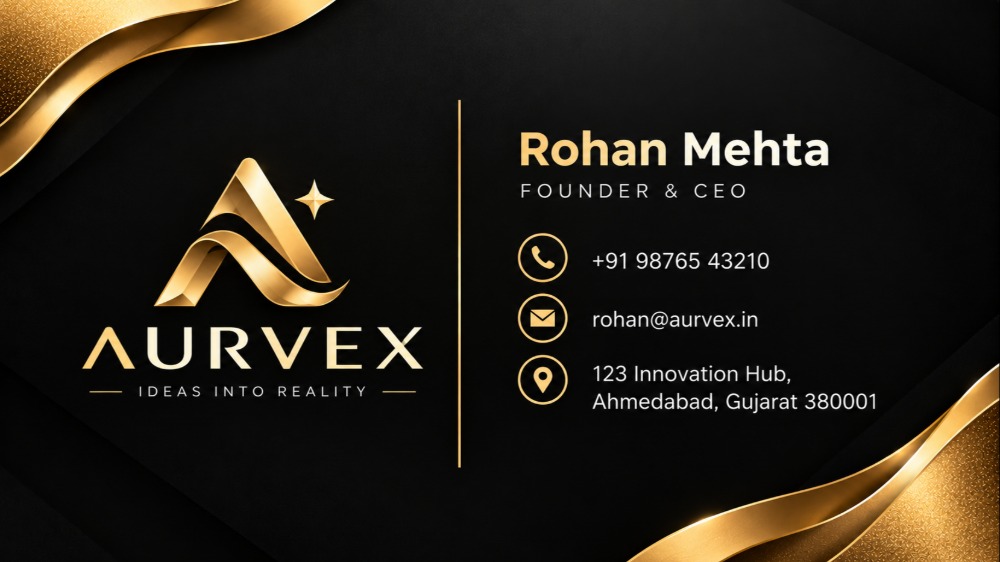
Black & Yellow Modern Business Visiting Card | AI Image Prompt
Free
Black & Yellow Modern Business Visiting Card | AI Image Prompt
Visiting Cards4
Free
Professional Organic Food Business Card | AI Image Prompt
Visiting Cards2
Visiting Cards
Food & Spices Business Visiting Card
Free
Food & Spices Business Visiting Card
Visiting Cards2
Visiting Cards
Professional Law Firm Business Visiting Card | AI Image Prompt
Pro
Professional Law Firm Business Visiting Card | AI Image Prompt
Visiting Cards1
Visiting Cards
Professional Coffee Shop Business Visiting Card | AI Image Prompt
Free
Professional Coffee Shop Business Visiting Card | AI Image Prompt
Visiting Cards1
Visiting Cards
Professional Company Business Card | AI Image Prompt
Pro
Professional Company Business Card | AI Image Prompt
Visiting Cards1
Visiting Cards
Luxury Fashion Boutique Visiting Card |AI image prompt|
Pro
Luxury Fashion Boutique Visiting Card |AI image prompt|
Visiting Cards1
Visiting Cards
Orange Wave Business Card | AI Image Prompt
Free
Orange Wave Business Card | AI Image Prompt
Visiting Cards1