The Problem With Tool Sprawl
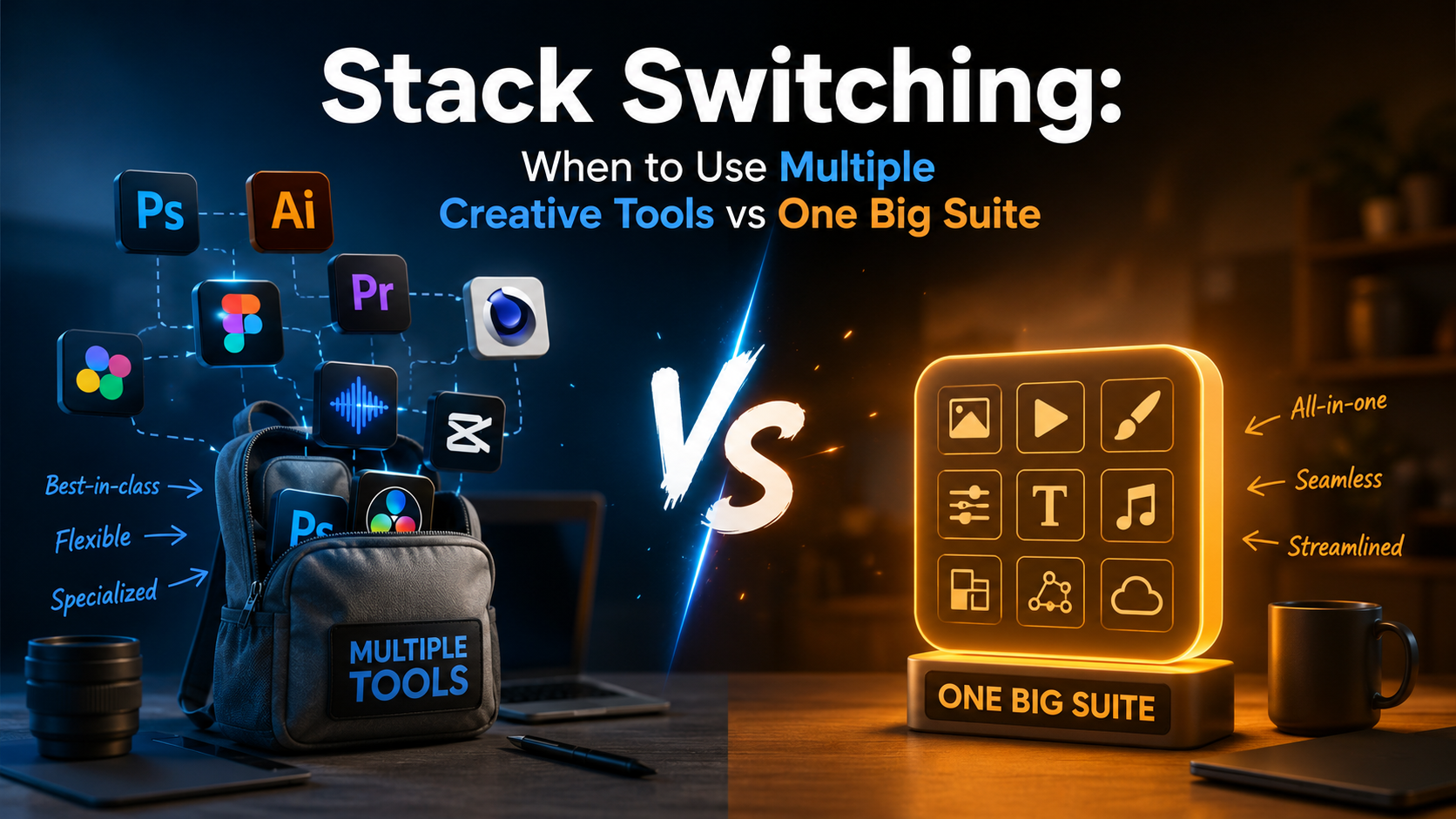
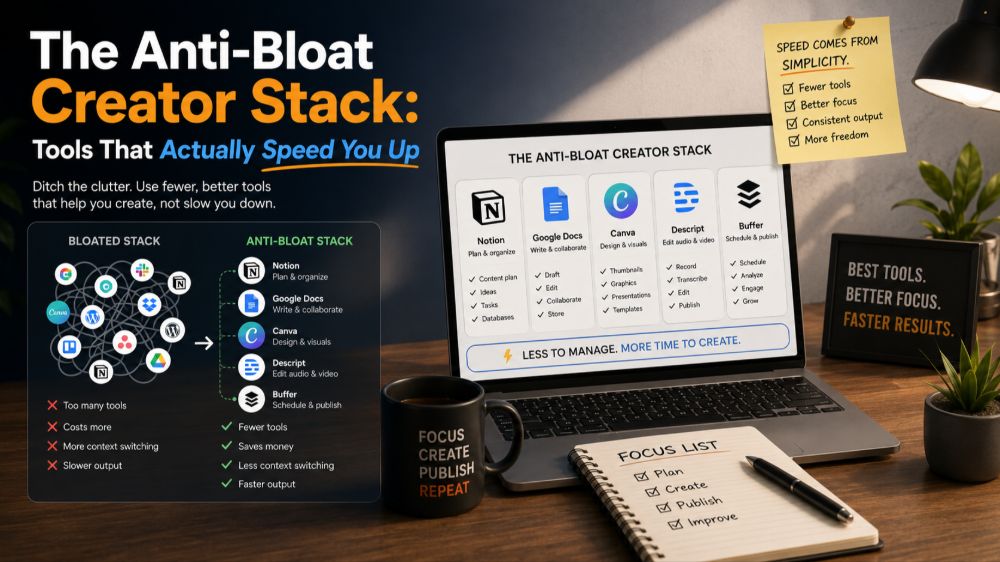
Most creators end up trapped in a cycle: buy one tool, realize it doesn't solve problem X, buy another, watch productivity plummet as you context-switch between apps. The promise of "all-in-one" software rarely matches reality. What actually works is a lean, connected stack built around how you actually work.
This guide cuts past the marketing noise and focuses on tools that solve real bottlenecks in creator workflows—content planning, asset creation, editing, and distribution.
Design & Visual Content: When Canva Isn't Enough
Canva is fine for basic social posts and templates. But if you're creating at scale, you'll hit its walls fast: limited font control, frustrating export quality, and zero collaboration features once things get complex.
Better alternatives depend on your actual need:
- For polished graphics with custom fonts and brand control: Figma dominates here, especially if you're designing anything more sophisticated than a square post. Its collaborative real-time editing is genuinely unmatched, and you can prototype interactive mockups without switching apps.
- For video thumbnails, fast social graphics, and templates: Adobe Express sits in the middle ground—more powerful than Canva, simpler than Figma, and integrated with Photoshop if you ever need to layer in custom photos.
- For AI-powered asset generation: Midjourney or Stable Diffusion (via Replicate or similar APIs) if you need unique imagery and can stomach the learning curve. These beat AI tools within design platforms because they generate once, you own it, and integrate into your workflow cleanly.
Content Planning & Calendar Management
Linear calendars are dead weight for creators. You need something that connects planning to actual publishing and tracks what resonates.
The core features you actually need:
- Drag-and-drop rescheduling (because plans change constantly)
- Native platform previews (seeing how your post looks on Instagram before publishing)
- Analytics hooks so you can see what performed and why
- Team commenting, not Slack threads
Buffer, Later, and Hootsuite all do this, but Later's interface for visual creators is noticeably cleaner, and it integrates cleanly with Shopify if you're selling. If you're on a tight budget, a structured Notion template with database linking will work, but you'll lose platform integrations and spend more time on setup than publishing.
The Editing Bottleneck
This is where most creators lose hours they don't realize they're losing. Jumping between DaVinci Resolve, CapCut, and Adobe Premiere means relearning shortcuts, re-exporting, and managing file versions.
Practical recommendation: Pick one based on your actual output:
- Short-form video (TikTok, Reels, YouTube Shorts): CapCut. It's free, absurdly fast, has built-in effects and templates, and exports directly to platforms. Yes, the watermark bug is annoying, but paying for removal is cheaper than your time learning Premiere.
- Longer-form or client work: DaVinci Resolve. Free version is genuinely capable. The learning curve is steeper, but the investment pays off if you're doing this regularly.
- Photo editing as part of a larger workflow: Lightroom + Photoshop stays the standard for a reason. Capture One is excellent but steeper. Affinity Photo is the best one-time-purchase alternative if you hate subscriptions.
The Hidden Productivity Killer: File Management
Most creators waste more time searching for assets than creating them. A central asset library saves hours monthly and prevents the "where did I save that logo?" crisis.
What actually works:
- Dropbox or Google Drive: Not glamorous, but reliable folder structures beat fancy DAM software if you're solo.
- Frame.io: If you're managing client feedback or collaborating, its video markup and commenting is purpose-built and faster than email rounds.
- Notion or Coda: If you need to organize assets by project, campaign, or client, these beat folder systems because you can add context, tags, and quick notes alongside files.
The key: decide once where assets live, set a naming convention (use dates: YYYY-MM-DD-projectname), and stick with it. The tool matters less than the system.
The Underused Workflow Hack: Automation
Zapier and Make (formerly Integromat) don't feel creative, but they delete repetitive tasks that destroy momentum.
Real examples:
- Auto-save Instagram captions to a spreadsheet for later analysis
- Trigger a Slack notification when a video gets 1,000 views
- Auto-post scheduled tweets when you go live on another platform
- Automatically save podcast guest details to Notion
Spend one afternoon setting up three automations and you'll get back 2–3 hours per week. Start with the task you do most often and hate most.
Choosing Your Real Stack
Don't optimize for perfect. Optimize for finishing. A creator using Figma + Buffer + CapCut who ships every week beats someone with perfect tools who ships once a month.
Start with one pain point. What's the most annoying part of your current workflow? Find the smallest tool that solves just that. Add another tool only when that pain point is actually gone. Most creators end up with 4–5 core tools, not 15.
Wrapping Up
The best creator toolkit is the one you'll actually use consistently. Generic all-in-one platforms promise everything and deliver mediocrity. Specialized tools in your specific workflow—design, planning, editing, distribution—create speed. Test, measure what saves you time, and prune ruthlessly.
You can explore more detailed reviews and comparisons of creator software on Nohaya, where we catalog AI tools, productivity apps, and software specifically built for creative workflows.