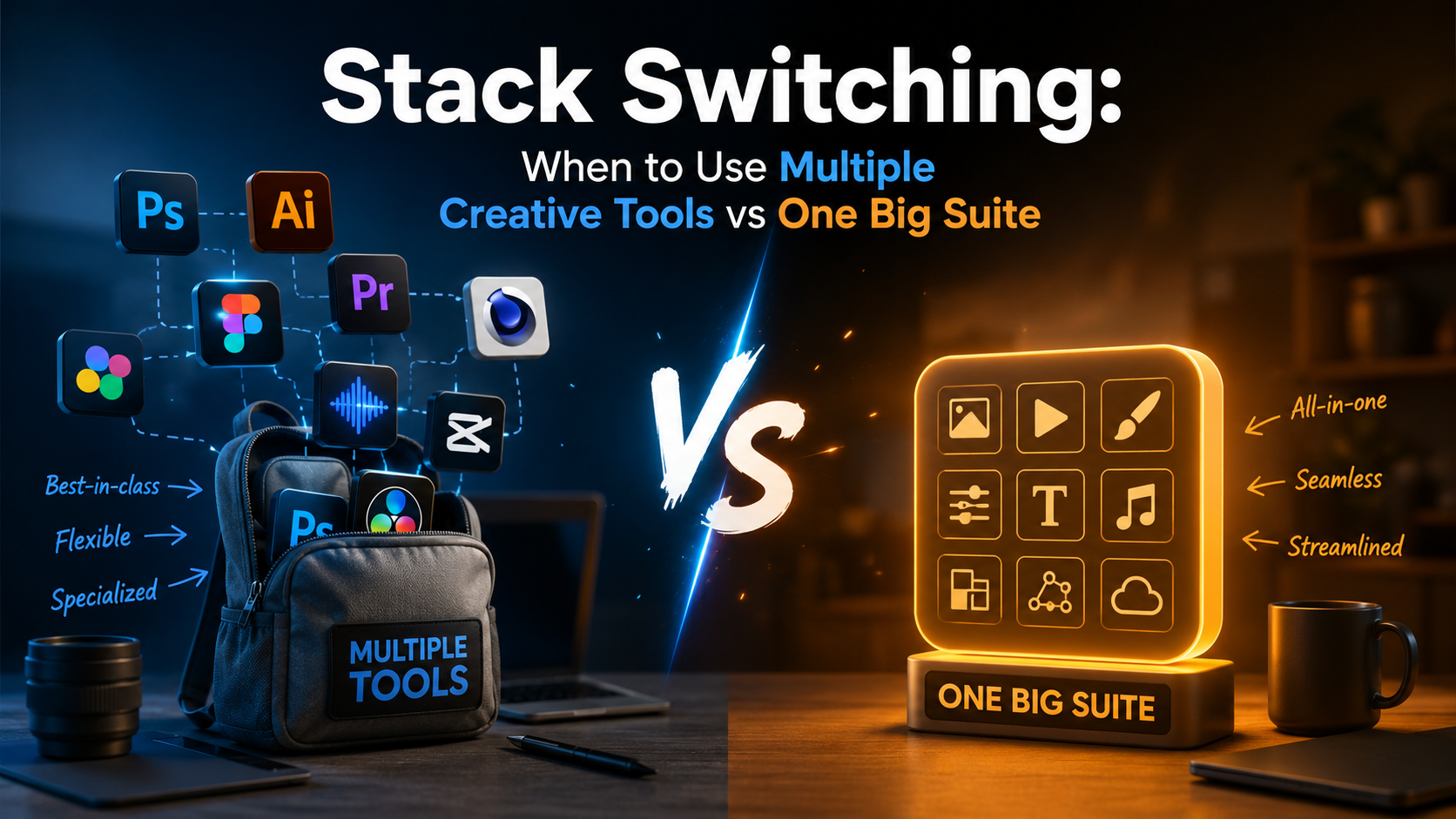
Stack Switching: When to Use Multiple Creative Tools vs One Big Suite
Every creator faces the same dilemma: commit to an all-in-one platform like Adobe Creative Cloud or Canva, or build a custom stack of specialized tools? The choice affects your budget, learning curve, and creative output more than most realize.
This isn't about listing "best apps." Instead, let's map out when each approach actually makes sense for your creative work.
The Integration Tax: What You Pay for All-in-One
Integrated suites promise seamless workflows. Adobe's ecosystem lets you move from Photoshop to Illustrator to After Effects without file conversion headaches. Notion connects your notes, databases, and wikis in one interface.
But integration comes with hidden costs:
- Feature bloat: You're paying for tools you'll never touch
- Vendor lock-in: Your content lives in proprietary formats
- Pace of innovation: Big suites update slowly compared to nimble single-purpose apps
- Learning overhead: Mastering a full suite takes months or years
The integration premium makes sense when your workflow genuinely requires tight tool coupling. Video editors moving between cutting, color grading, and effects benefit from staying inside DaVinci Resolve. Brand designers working across print, web, and motion need Adobe's consistent color management.
But if you're mostly doing one thing—say, editing podcasts or designing social posts—you're subsidizing features you'll never use.
The Specialist Advantage: Best-of-Breed Tools
Specialized tools obsess over one job. Descript revolutionized podcast editing by treating audio like text. Figma reimagined interface design around real-time collaboration. These apps couldn't exist as features in a larger suite because they fundamentally rethink their category.
When specialist tools win:
- Your workflow is linear: You complete one task before moving to the next
- You need cutting-edge features: Specialized apps ship innovations years before suites copy them
- Collaboration matters more than integration: Cloud-native tools often beat suite apps at teamwork
- You're learning: Focused tools have gentler learning curves than do-everything platforms
The tradeoff? You'll spend time moving files between apps and learning different interfaces. For some creators, this context switching kills momentum. For others, it's barely noticeable.
A Framework for Your Decision
Stop asking "which is better" and start asking "what does my workflow actually need?"
Choose an integrated suite when:
You regularly bounce between related tasks. A motion designer moving from illustration to animation to video editing benefits from Adobe's ecosystem. A content marketer who brainstorms in notes, drafts in documents, and tracks in databases might prefer Notion's unified workspace.
You work solo or with a small team using the same tools. Suites shine when everyone speaks the same software language.
You value one-stop support and predictable billing. Dealing with one vendor has real administrative value.
Choose specialized tools when:
You do one thing exceptionally well and often. Podcast editors should probably use Descript or Reaper, not Adobe Audition. Newsletter writers might pick Substack or Ghost over WordPress.
You need the absolute best at specific tasks. No suite's screen recorder matches Loom's sharing features. No all-in-one design tool handles prototyping like Figma.
You experiment with new workflows frequently. Specialists let you swap components without abandoning your entire stack.
The Hybrid Approach Most Creators Actually Use
Here's what experienced creators rarely admit: they use both.
The pattern that works: commit to a suite for your core competency, then supplement with specialists for specific pain points.
A video creator might use DaVinci Resolve as their foundation but pull in Runway for AI effects, Descript for transcript-based editing, and Frame.io for client reviews. A writer could build on Google Docs but add Grammarly for editing, Hemingway for readability, and Airtable for content planning.
The key is identifying your anchor—the tool where you spend 60%+ of your creative time—then being ruthless about which additional apps earn a spot in your workflow.
Making the Switch Without Losing Momentum
Whether you're consolidating into a suite or breaking free to specialists, transition deliberately:
Migrate one workflow at a time, not everything at once. Move your podcast editing to a new tool while keeping video in your current app.
Give new tools at least ten real projects before judging. The first three attempts will feel clunky regardless of whether the tool is actually better.
Track actual time saved or lost, not perceived efficiency. You might feel slower in a new tool while actually producing better work faster.
Finding What Fits Your Work
The right creative stack isn't about using what influencers recommend or what's trending. It's about honest assessment of how you actually work, what slows you down, and what creative possibilities you're missing.
Try tools that address specific frustrations rather than chasing comprehensive solutions. Your perfect setup might be one suite, twelve specialists, or anything in between.
For more detailed breakdowns of individual creator tools and how they compare, check out Nohaya's full catalog of AI and creator resources to find what matches your specific workflow needs.