Heritage Digital Painting
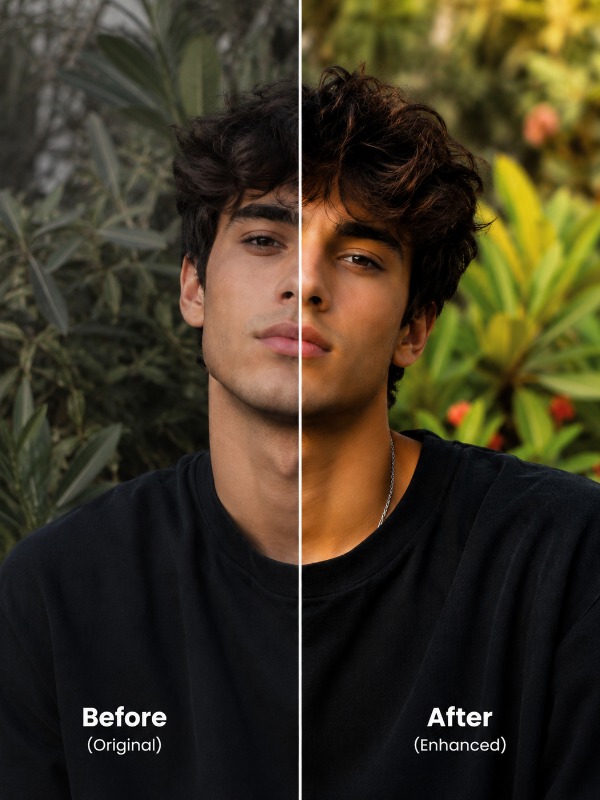
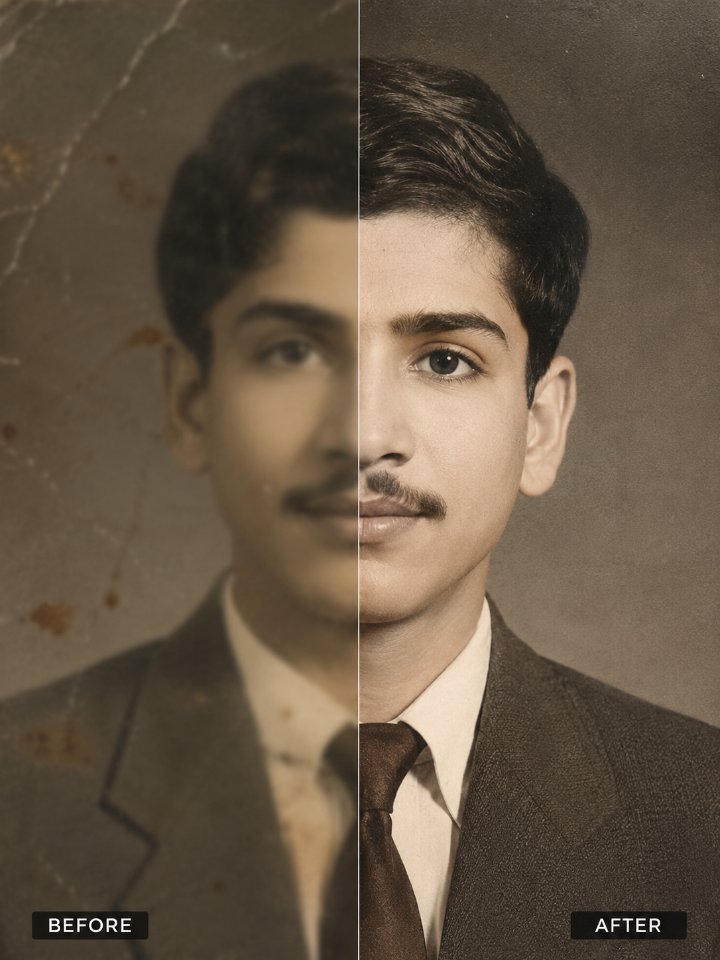
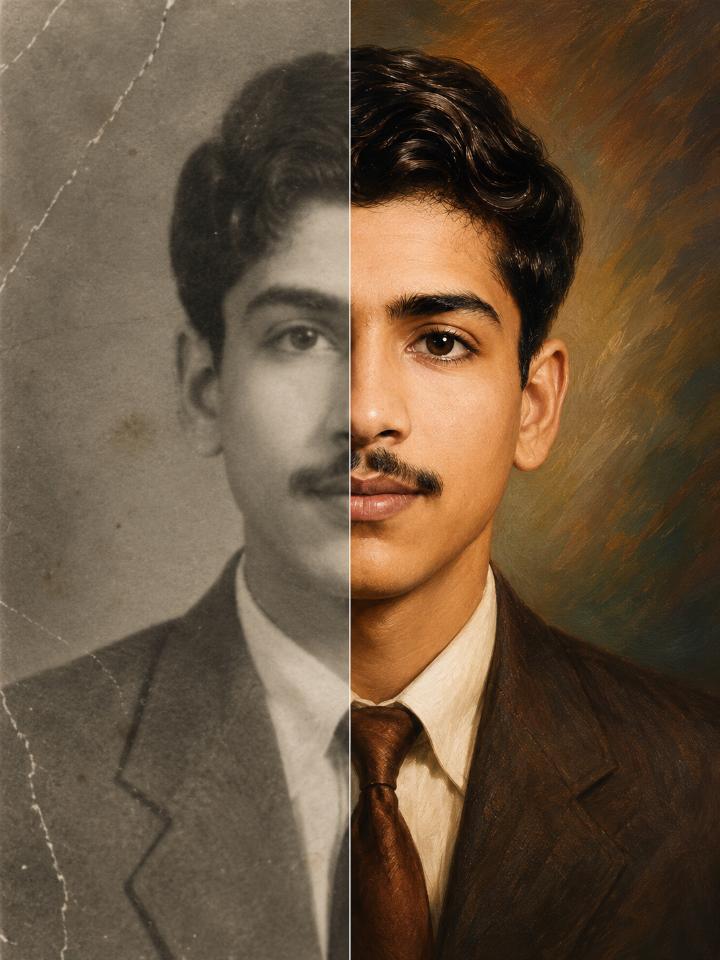
Transform a damaged vintage sailor photograph into a museum-quality ultra-HD digital painting while preserving the subject's exact facial identity, historical authenticity, and original character. The result blends professional photo restoration with elegant fine-art realism.
Full Prompt
Transform this old photograph into a breathtaking ultra-high-definition digital painting while preserving the exact identity, facial structure, expression, and authenticity of every person in the image. Identity Preservation (Absolute Priority) Use the uploaded photograph as the sole facial reference. Preserve with 100% accuracy: Face shape Head shape Jawline Chin structure Forehead proportions Eye shape and spacing Eyebrows Nose structure Lips and mouth shape Ear shape Facial proportions Natural skin characteristics Age appearance Expression Hairstyle structure Hairline Distinctive facial features Moles, scars, freckles, and identifying marks The final artwork must unmistakably depict the same person from the original photograph. Do not generate a new face. Do not beautify, idealize, or alter identity. Restoration Phase Before artistic enhancement: Repair tears Repair scratches Remove dust Remove stains Repair missing sections Correct fading Recover lost details Remove scan artifacts Reduce noise Improve sharpness Restore the image as if it were perfectly preserved. Digital Painting Transformation Convert the restored photograph into a masterpiece-quality digital painting. Style characteristics: Hyper-realistic digital painting Fine art portrait quality Museum-grade artwork Ultra-detailed brushwork Realistic skin rendering Hand-painted appearance Cinematic realism Elegant color grading Rich depth and dimension Painterly realism The image should appear hand-painted by a world-class digital artist while remaining faithful to the original person. Professional Colorization If the image is black and white: Generate historically believable colors. Restore: Natural skin tones Realistic eye colors Accurate hair colors Clothing colors Fabric colors Environmental colors Use natural color harmony. Avoid oversaturated or artificial colors. If color information is uncertain, use realistic and believable tones. Ultra-HD Enhancement Render with: 4K Ultra HD quality Extremely high detail Sharp facial features Crisp hair strands Visible skin texture Detailed clothing textures Fine fabric patterns Realistic materials Enhanced depth Superior clarity The image should be suitable for large-scale printing. Artistic Lighting Apply: Soft cinematic lighting Balanced highlights Realistic shadows Natural depth Warm professional portrait lighting Dimensional facial illumination Lighting must enhance realism without changing the original mood. Background Enhancement Preserve original background elements. Improve: Texture quality Detail visibility Depth perception Color richness If background damage exists: Reconstruct naturally Match original environment Maintain historical authenticity Do not replace the background unless absolutely necessary. Texture and Materials Enhance: Skin texture Hair texture Fabric weave Jewelry reflections Wood textures Metal textures Architectural details Natural surfaces Every material should appear physically realistic. Professional Art Finish Create: Gallery-quality digital artwork Fine art portrait painting Collector-grade restoration Premium digital masterpiece Ultra-realistic painting Balance realism and artistry perfectly. Negative Instructions Do NOT: Change identity Change face shape Change age Change expression Change hairstyle significantly Add beauty filters Create AI-generated facial features Add fantasy elements Add cartoon effects Add anime characteristics Oversmooth skin Over-saturate colors Create plastic-looking skin Change ethnicity Change clothing design Change pose Change composition Final Goal Create a stunning ultra-HD 4K digital painting that looks as if a master artist meticulously hand-painted the restored photograph, while preserving 100% facial identity accuracy, historical authenticity, emotional character, and natural realism. Optional Premium Finisher Add this line at the end: "Blend the realism of a modern high-end digital portrait painting with the authenticity of a professionally restored historical photograph, preserving every identifiable facial feature exactly as seen in the original image."
Tips for Best Results
- ✓Upload a clear scan of the old photograph for best restoration accuracy.
- ✓Use identity-preservation instructions to keep facial features unchanged.
- ✓Enable historical colorization for realistic period-appropriate colors.
- ✓Combine photo restoration and digital painting styles for a premium artwork look.
Want this prompt run automatically on your own photos? Get the PromptAi app.
Get the App